A Guide to Achieving Seamless Over-The-Air Updates for ESP32 with the flutter_ota Package
Ghayoor Zafar, Marketing Manager
- Published
- Feb 14, 2024
- Read Time
- 10 Min Read
01 Over-The-Air (OTA) Firmware Updates for ESP32 Devices with flutter_ota package
Background
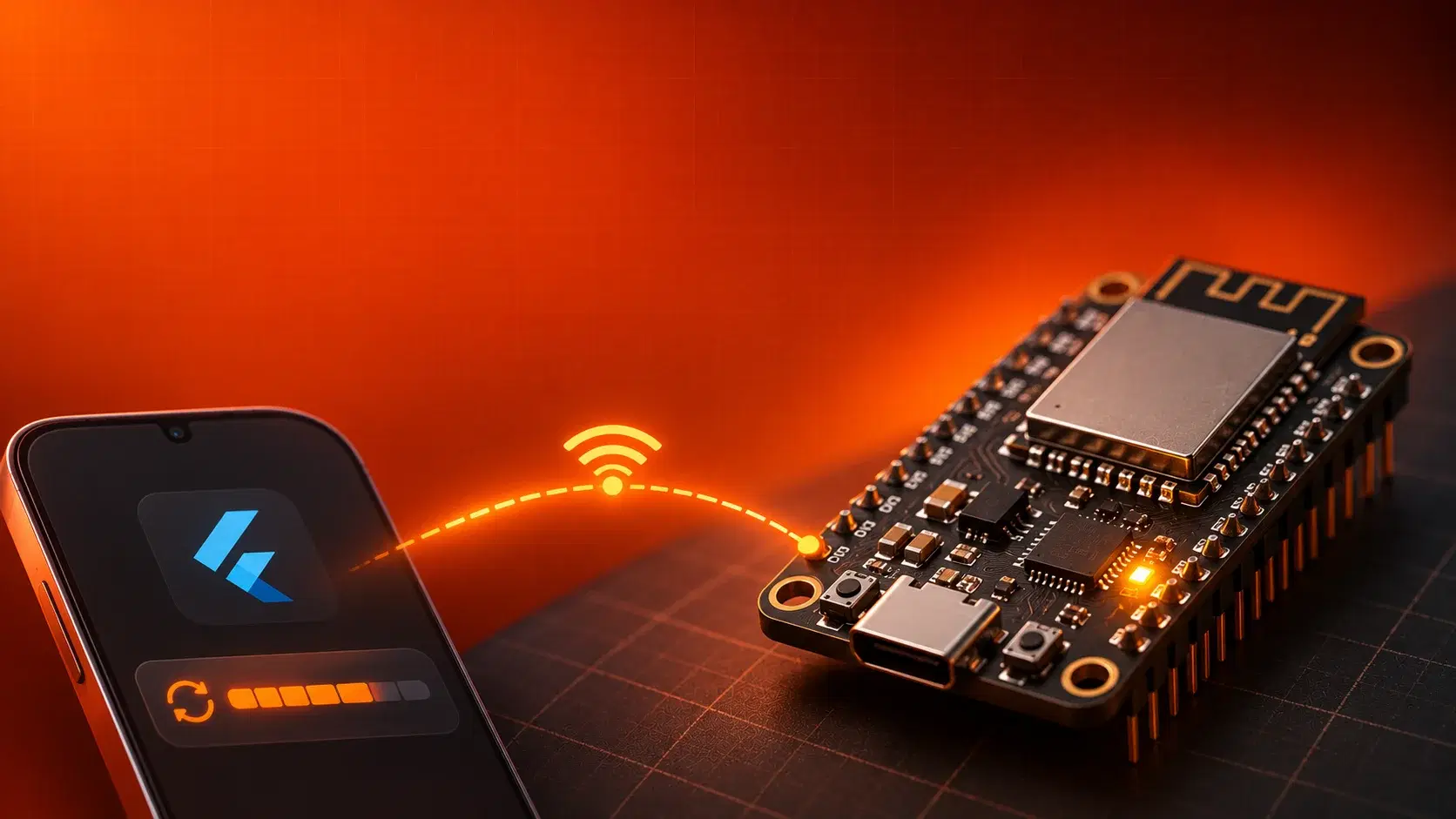
While working on a new App for a client, our team of developers working with ESP32 devices faced challenges with traditional wired firmware updates, which were time-consuming and had limited scalability. So we turned towards developing a flutter_ota package, leveraging Bluetooth Low Energy (BLE) for wireless Over-The-Air (OTA) updates.
Finally, after rigorous development and testing, the flutter_ota_package reached its first stable version. This user-friendly package seamlessly integrates with Flutter projects, enabling developers to efficiently update ESP32 devices remotely.
Let’s explore how this Dart package empowers Flutter developers to perform Over-The-Air (OTA) firmware updates for ESP32 devices over Bluetooth Low Energy (BLE).
We will delve into the package’s functionalities, installation, usage, configuration options, code implementation, performance considerations, compatibility, community support, testing, version history, and conclude with an invitation to try the package and provide feedback.
02 flutter_ota package Compatibility
The package supports various Flutter SDK versions, ensuring compatibility with a wide range of projects. Developers should verify potential dependencies or compatibility issues with other packages before integration. The compatibility of the package with other ESP devices is in progress.
DEVICES :: PROGRESS ESP32 -✅ Arduino Nano 33 BLE -🔲 Nodemcu ESP8266 - 🔲
03 Installation for Over-The-Air Update:
To use this package in your Flutter project, add the following dependency to your `pubspec.yaml` file:
```yaml

dependencies:

flutter_ota_package: ^1.0.0

```


Import:

```dart

import 'package:flutter_ota_package/flutter_ota_package.dart';

```
Constants for Firmware Type:
To make it easier to represent different firmware types, you can use the following constants:
```dart

const int FIRMWARE_FROM_BINARY_FILE = 1;

const int FIRMWARE_FROM_FILE_PICKER = 2;

const int FIRMWARE_FROM_URL = 3;

```
How to Use:
First, create an instance of `Esp32otaPackage` by passing the required Bluetooth characteristics:
```dart

final esp32otaPackage = Esp32otaPackage(dataCharacteristic, controlCharacteristic);

```
Updating Firmware from Binary File:
To update the firmware from a binary file, use the `updateFirmware` method with `firmwareType` set to `FIRMWARE_FROM_BINARY_FILE` and provide the file path:
```dart

final String binFilePath = '/path/to/your/firmware.bin';

await esp32OtaPackage.updateFirmware(

  device,

  FIRMWARE_FROM_BINARY_FILE,

  service,

  dataCharacteristic,

  controlCharacteristic,

  binFilePath: binFilePath,

);

```
Updating Firmware from File Picker:
To update the firmware using a file picker, set `firmwareType` to `FIRMWARE_FROM_FILE_PICKER`, and then call `updateFirmware`:
```dart

await esp32otaPackage.updateFirmware(

device,

FIRMWARE_FROM_FILE_PICKER,

  service,

  dataCharacteristic,

  controlCharacteristic,

);

```
A file picker dialog will appear, allowing the user to select the firmware binary file.
Updating Firmware from URL:
To update the firmware using a URL, set `firmwareType` to `FIRMWARE_FROM_URL` and provide the firmware URL:
```dart

final String firmwareUrl = 'https://your_firmware_url.com/firmware.bin';

await esp32otaPackage.updateFirmware(

  device,

  FIRMWARE_FROM_URL,

  service,

  dataCharacteristic,

  controlCharacteristic,

  url: firmwareUrl,

);

```
Listening to Progress:
You can listen to the firmware update progress using the `percentageStream` provided by `Esp32OtaPackage`. The stream emits progress values (0–100) as the update proceeds:
```dart

final StreamSubscription<int> progressSubscription = esp32otaPackage.percentageStream.listen((progress) {

  print('Firmware update progress: $progress%');

});


// Don't forget to cancel the subscription when it's no longer needed.

// progressSubscription.cancel();

```
With the flutter_ota package, performing Over-The-Air firmware updates for ESP32 devices with Flutter has never been easier. Say goodbye to the hassle of physically connecting devices to a PC and embrace the convenience and innovation brought by this powerful package.
Doing Over-The-Air Update through flutter_ota
Using the `flutter_ota package` is straightforward. Here are some code examples illustrating its effective usage:
```dart

import 'package:flutter/material.dart';

import 'package:flutter_ota_package/flutter_ota_package.dart';

 void main() => runApp(MyApp());

 class MyApp extends StatelessWidget {

  @override

  Widget build(BuildContext context) {

    return MaterialApp(

      home: FirmwareUpdateScreen(),

    );}}

class FirmwareUpdateScreen extends StatefulWidget {

  @override

  _FirmwareUpdateScreenState createState() => _FirmwareUpdateScreenState();

}

 class _FirmwareUpdateScreenState extends State<FirmwareUpdateScreen> {

  final BleRepository bleRepo = BleRepository();

  late Esp32otaPackage esp32otaPackage;

  late StreamSubscription<int> progressSubscription;

  bool updatingFirmware = false;

 // Bluetooth device, service, dataCharacteristic, and controlCharacteristic

  // should be initialized here.

  @override

  void initState() {

   super.initState();

    esp32otaPackage = Esp32otaPackage(dataCharacteristic, controlCharacteristic);

  }


  @override

  void dispose() {

    progressSubscription.cancel();

    super.dispose();

  }

  void startFirmwareUpdate() async {

    setState(() {

      updatingFirmware = true;

    });

    try {

      await esp32otaPackage.updateFirmware(

        device,

        FIRMWARE_FROM_BINARY_FILE,

        service,

        dataCharacteristic,

        controlCharacteristic,

        binFilePath: '/path/to/your/firmware.bin',

      );

      if (esp32otaPackage.Firmwareupdate) {

        // Firmware update was successful

        print('Firmware update was successful');

      } else {

        // Firmware update failed

        print('Firmware update failed');

      }

    } catch (e) {

      // Handle errors during the update process

      print('Error during firmware update: $e');

    } finally {

      setState(() {

        updatingFirmware = false;

      });

    }

  }


  @override

  Widget build(BuildContext context) {

    return Scaffold(

      appBar: AppBar(

        title: Text('Firmware Update'),

      ),

      body: Center(

        child: Column(

          mainAxisAlignment: MainAxisAlignment.center,

          children: [

            if (updatingFirmware)

              CircularProgressIndicator()

            else

              ElevatedButton(

                onPressed: startFirmwareUpdate,

                child: Text('Start Firmware Update'),

              ),

          ],

        ),

      ),

    );

  }

}

```
API and Functions
The `flutter_ota package` provides an abstract `OtaPackage` class with the following crucial methods:
`Future<void> updateFirmware(…)`: Initiates the firmware update process on the target ESP32 device.
`bool Firmwareupdate`: A boolean property indicating the success or failure of the firmware update.
`Stream<int> percentageStream`: A stream emitting progress values (0–100) as the update proceeds.
Configuration
This `flutter_ota package` offers several configuration options to tailor the OTA update process according to specific requirements. Developers can customize behavior through these options, enhancing the flexibility of the package.
Code Implementation
The package’s code implementation relies on BLE communication and Flutter’s capabilities to ensure reliable and secure OTA firmware updates. The team has leveraged key algorithms and data structures to facilitate efficient data transfer during updates.
Performance Considerations
Efficiency is a priority in OTA updates. The `flutter_ota_package` includes optimizations to ensure smooth and timely firmware updates. Developers should be mindful of potential performance bottlenecks when updating large firmware files.
Community Support
For community support, visit the `flutter_ota package` https://github.com/sparkleo-io/flutter_ota.git , where developers can access documentation, open issues, and participate in discussions. Community feedback plays a vital role in enhancing the package’s features and usability.
Version History
Major updates, bug fixes, and improvements are documented in the package’s version history. Developers should be aware of any backward-incompatible changes and follow migration guidelines to smoothly transition between versions.
License and Attribution
The `flutter_ota package` is released under the LICENSE added in the package, and we extend our gratitude to the contributors and external libraries that have enriched this package’s capabilities.
Follow us and Stay tuned for more updates from the Team of Sparkleo techologies…
Was This Article Helpful?